


 Use code FREEDEL
 Store pick up available
 Selling out fast
Use code FREEDEL
Store pick up available
Selling out fast
Selling out fast
Use code FREEDEL
Store pick up available
Selling out fast
HANDLstick Crystal Collection - Silver
View more HANDLstick products
- SKU: HX1001-SIA-N
- Availability: In Stock
 ×
×
4 payments KWD 0.75/mo
No interest. No fees.
How it works
- 1Choose your preferred installment provider ( Deema, or Taly) at checkout
- 2Enter your information and add your debit or credit card
- 3Depending on your plan, you may or may not make a down payment
- 4We'll send you a reminder when your next payment is due
- 5For Deema / Tally Minimum cart value must be KD 10 or above. 🛒✨
Trusted by millions
Over 20 million shoppers discover products and pay their way with Tabby
Shop with confidence using secure payment options
Buyer protection is included with every purchase
 GET EXTRA DISCOUNT

Redeem your Ooredoo Nojoom points for extra discount.
GET EXTRA DISCOUNT

Redeem your stc qitaf points for extra discount.

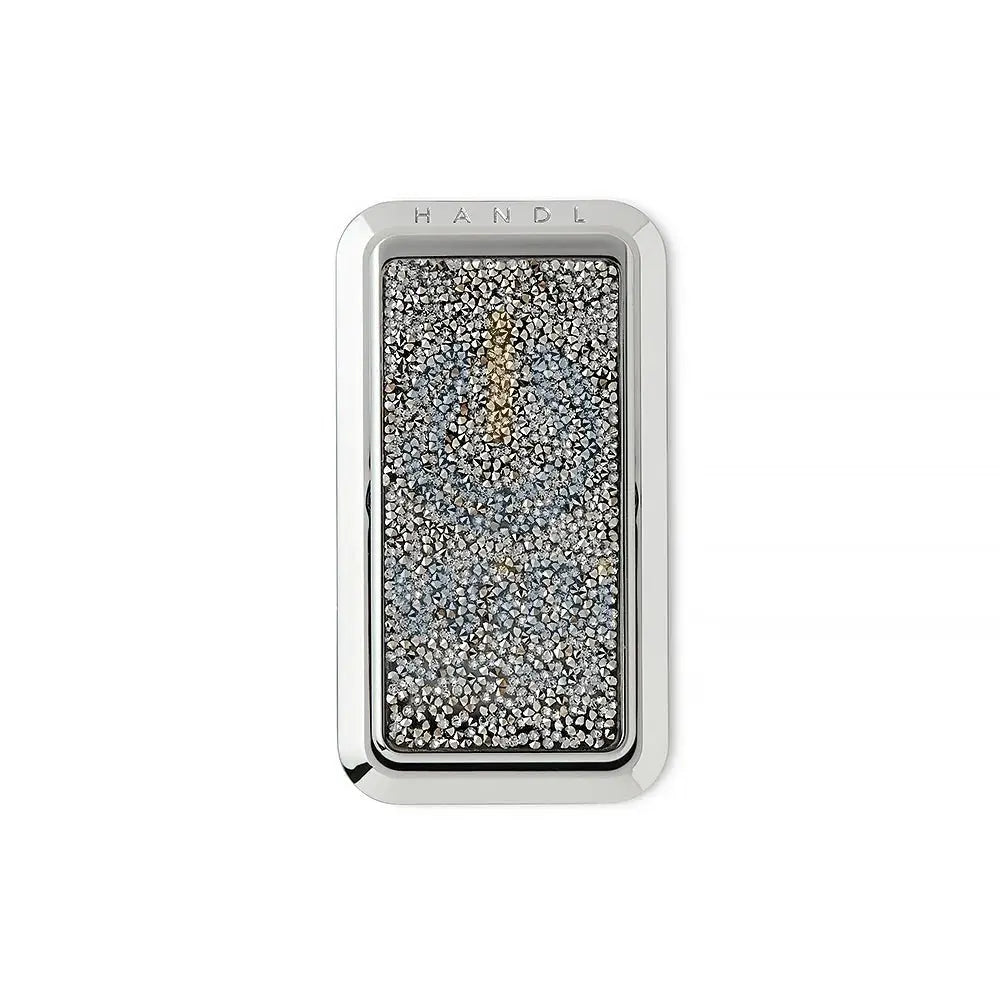
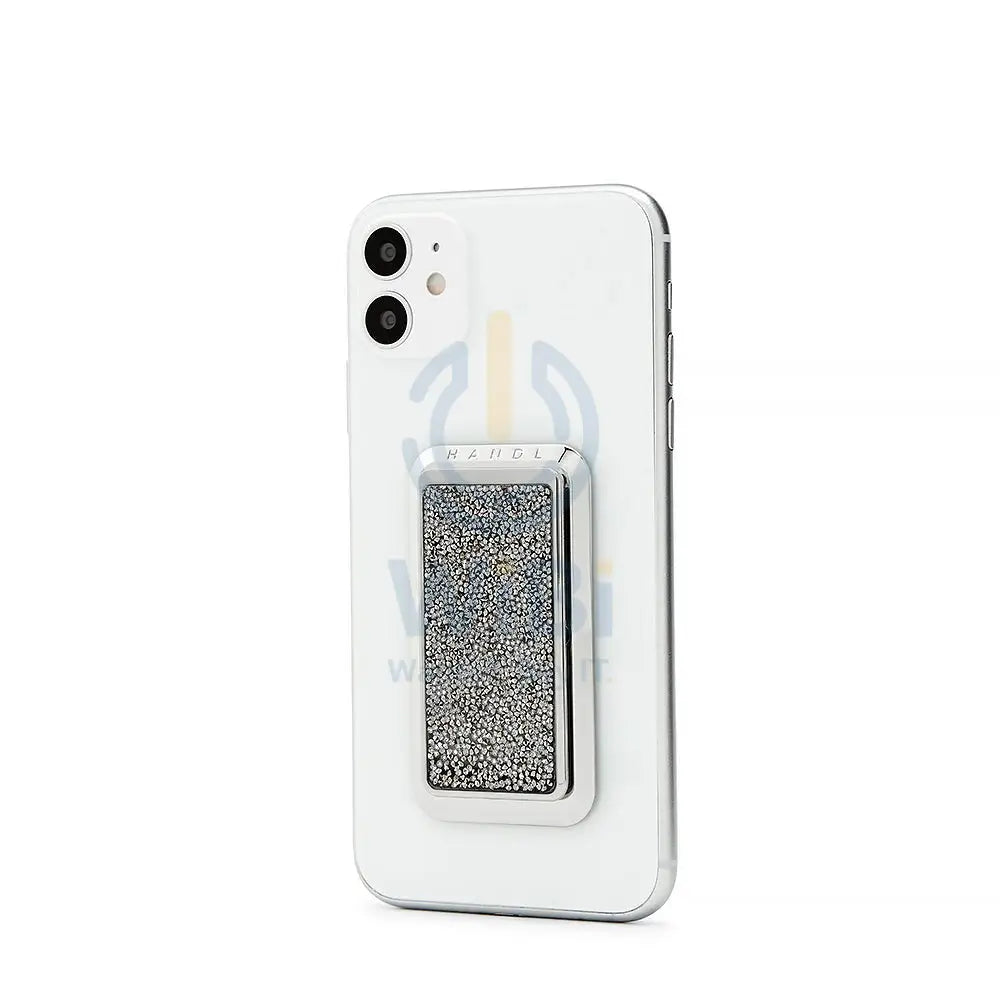
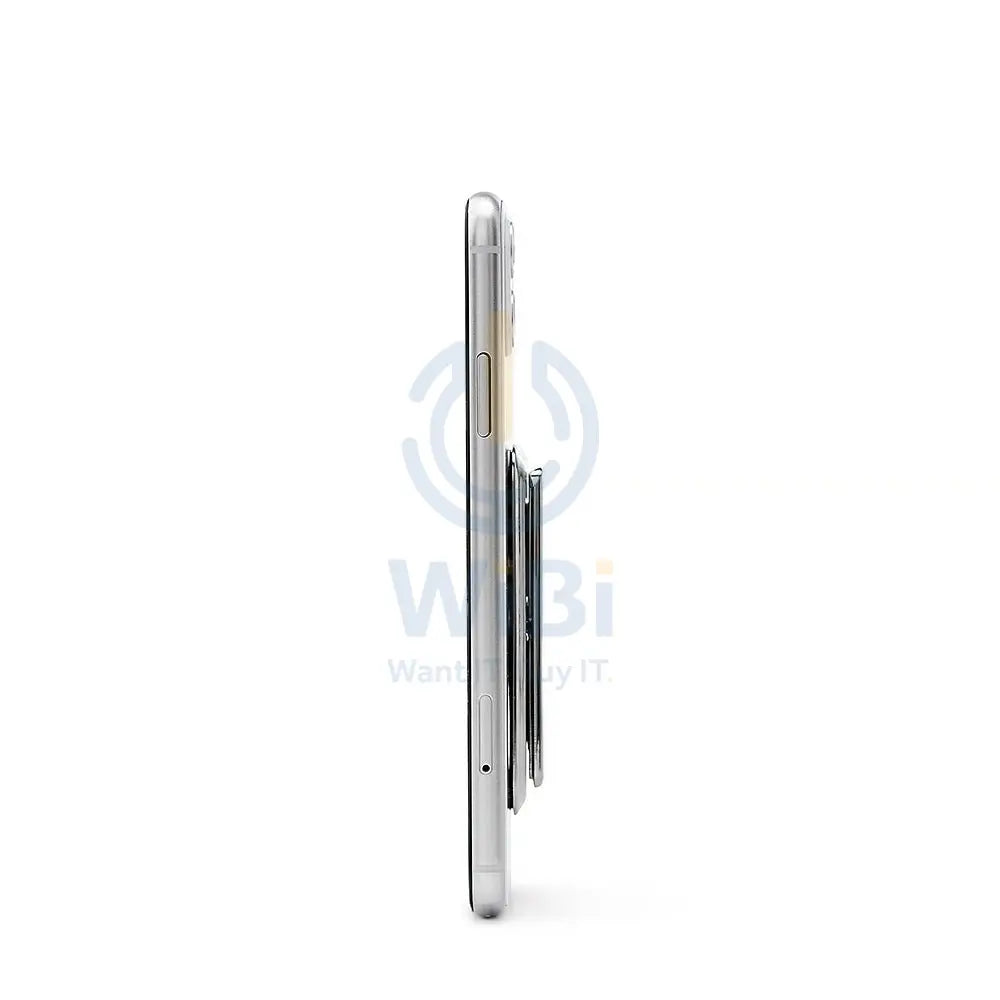
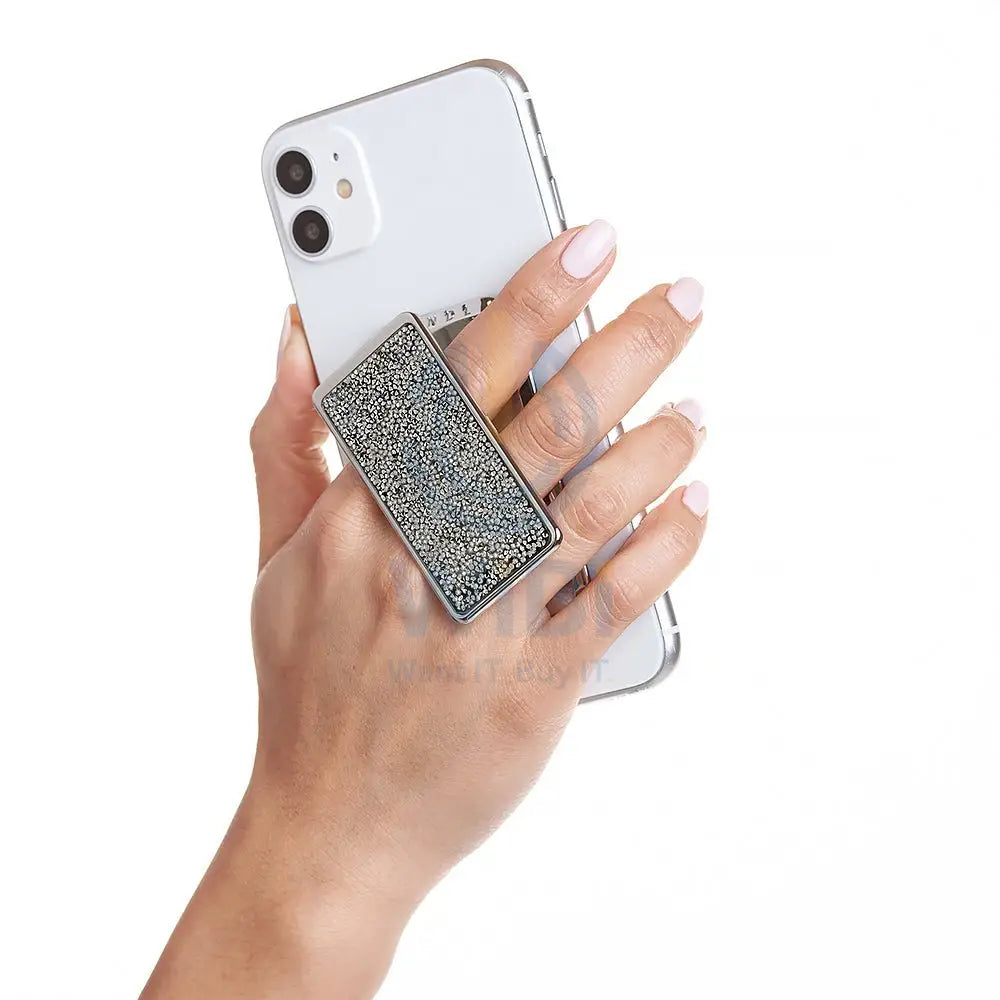
HANDLstick Crystal Collection - Silver
Specifications
HANDLstick Handle
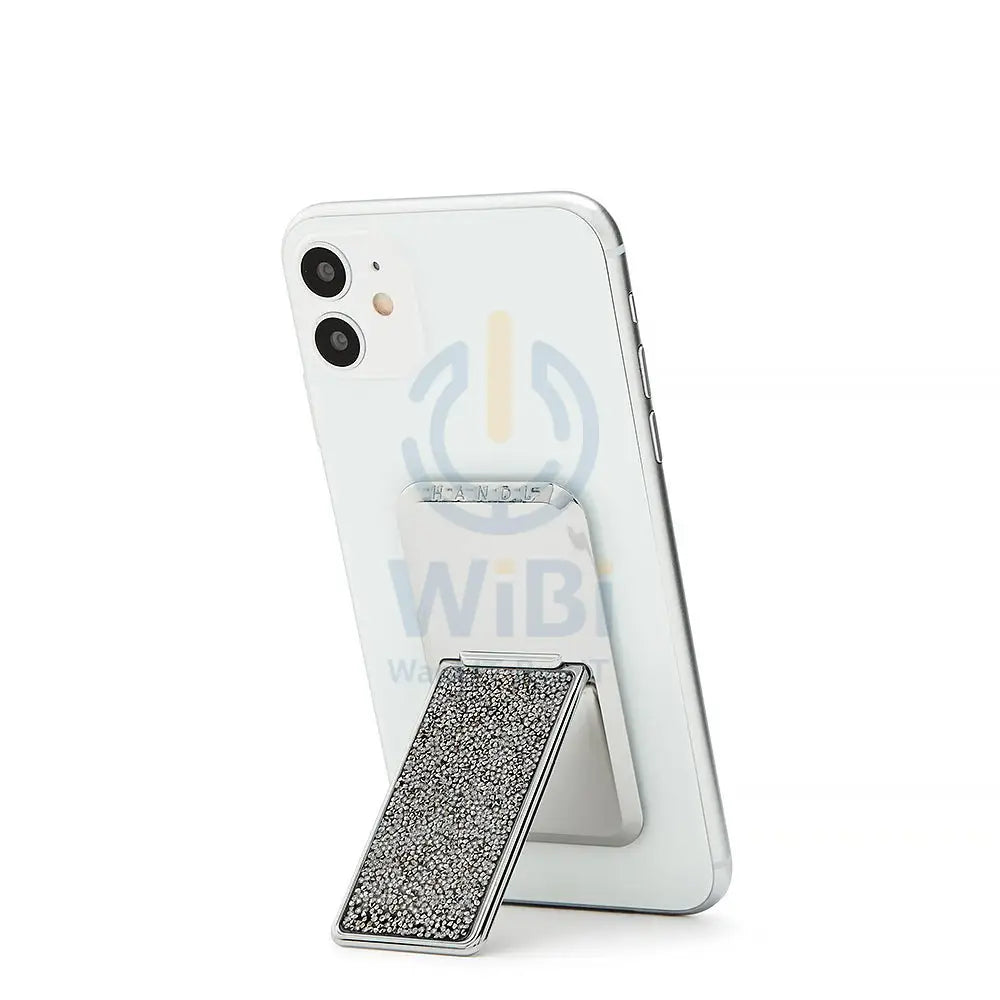
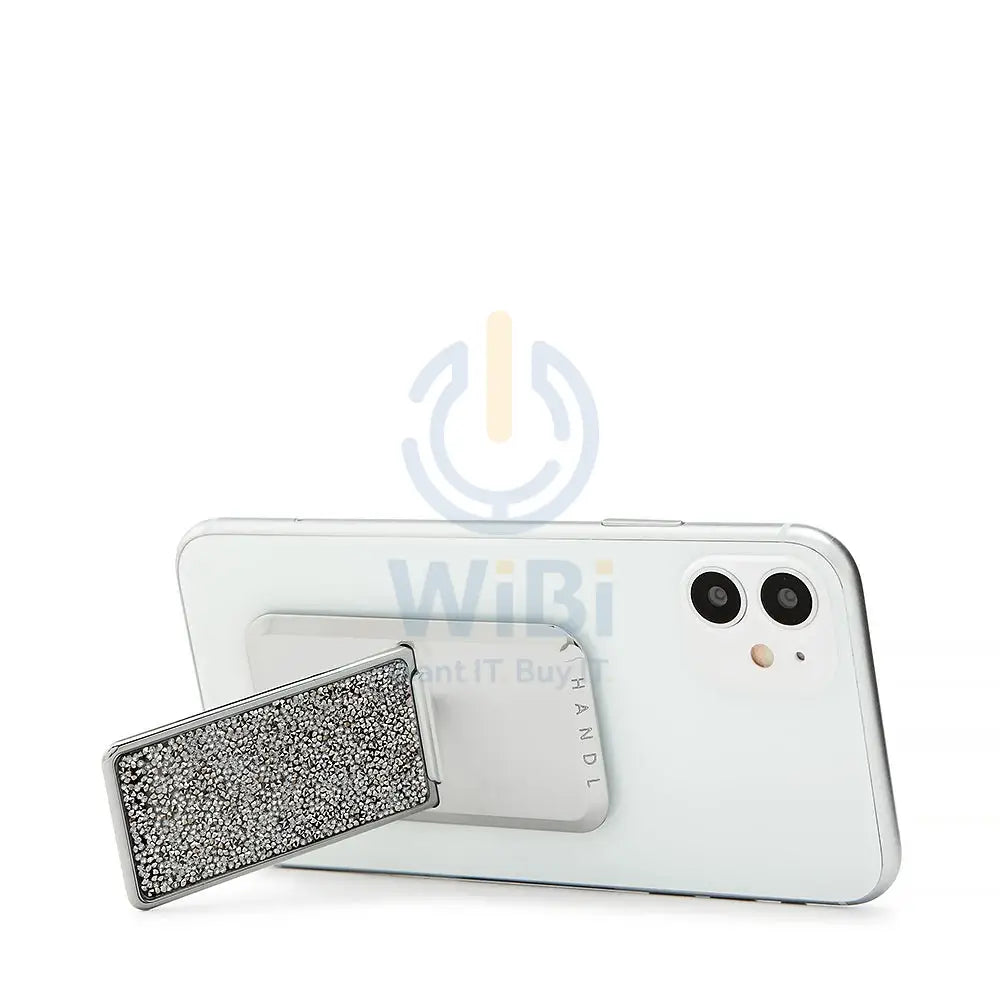
Experience the freedom of the HANDLstick phone grip and stand. Pair with any device for a sleek, patented elastic brace system. Clip into portrait mode with the multifunctional kickstand then flip to landscape mode.
The HANDLstick phone grip and stand attaches directly to the back of your existing smartphone case or phone. No need to switch cases.
Pairs with any smartphone device
Patented elastic brace system slips through fingers for a secure, effortless grip
Multi-functional kickstand flips between landscape or portrait mode
NOT Compatible with wireless chargers
How to Apply and Use HANDL
Learn how to apply your HANDLstick to your phone or case. Complete with step by step instructions and helpful tips to ensure your HANDLstick is securely attached. Plus, how to use the grip in various ways and clip into stand mode.
Step 1: Find your stick alignment guide on the inside of your HANDL package.
Step 2: Using the helpful gridlines align the bottom of the guide to the bottom back of your phone
Step 3: Peel off the back of the HANDLstick and with the logo at the top, adhere to the back of your phone or case using the guide
Step 4: Apply firm pressure for 30-45 seconds to ensure the HANDL is secure
Additional Description
- Choosing a selection results in a full page refresh.